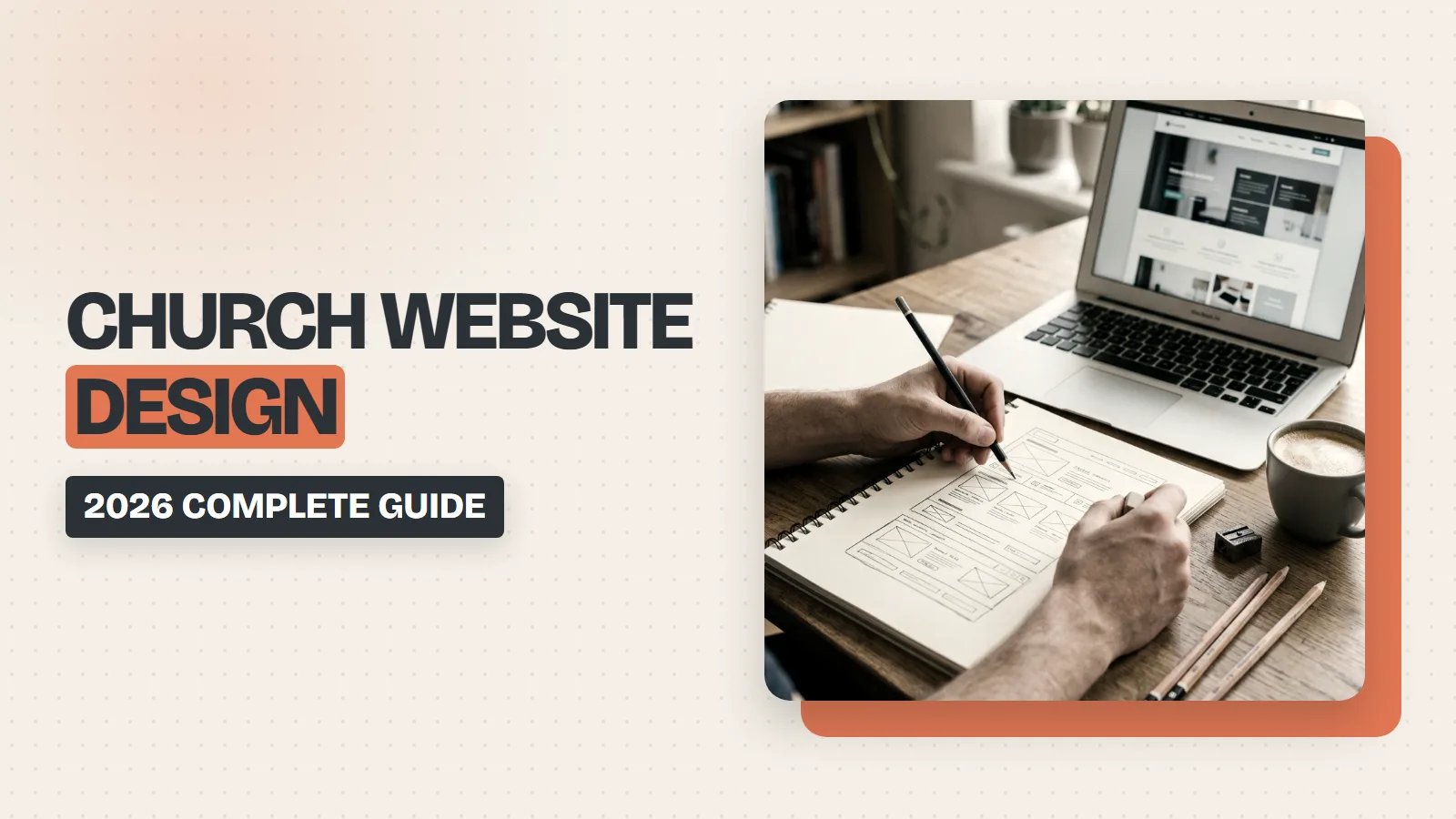
In 2026, your church website is your digital front door. Most neighbors looking for a church will experience your online presence long before they ever step inside your building. If that digital door is locked by slow loading speeds or confusing layouts, people will walk away.
Look. Building a great website is not about showing off flashy technology. It is about removing barriers so people can connect with your church. This guide details the exact steps, pages, and systems you need to build a web experience that welcomes newcomers and supports your church members. If you would rather hand the build to someone who works only with churches, my church website design and SEO services cover everything below.
The Core Framework: Inspire, Inform, and Invite
Every successful church website follows a clear three-step pattern to guide online visitors.
- First, you must inspire seekers. Use real, high-quality photos of your actual church members and campus to show who you are. Avoid using fake or sterile stock photos.
- Second, you must inform visitors. Clearly answer the basic questions a person has when visiting your page. They need to find service times, locations, and beliefs within seconds.
- Third, you must invite people to take action. Provide easy, frictionless pathways for people to register for events, join small groups, or plan a physical visit.
Mobile Performance and Speed Guidelines
Mobile performance determines whether a visitor stays on your page or leaves. If a website takes longer than three seconds to load, more than half of mobile visitors will leave. To prevent this, your website must load in under two seconds. This requires shrinking your image files, keeping your website code clean, and using fast servers.
Look. Mobile design is no longer a secondary option. Websites must be built for phones first. This means using a navigation menu that stays at the bottom of the screen so your website feels like a phone app. You must also design large, easy-to-tap buttons so visitors can click items without getting frustrated on small screens.
Choosing the right platform to build your site is a major operational choice. Many small churches choose Squarespace, while growing ministries need the custom options of self-hosted WordPress. Either way, budget for the build and the ongoing work separately — our church marketing pricing page breaks down what each piece costs.
| Platform | Recommended Church Size | Church Database Integration | Sermon Archive Setup | Event Calendar Setup |
| Squarespace | Under 500 members with limited tech support. | Relies on basic web links and redirection buttons. | Uses basic blog structures as a manual workaround. | Lacks clear visual lists for calendar events. |
| WordPress | Multi-campus and large, busy ministries. | Supports custom plugins and automatic data syncing. | Supports sorting past sermons by speaker and topic. | Syncs live event feeds automatically on the page. |
The Seven Pages Every Church Website Needs
A successful ministry website does not need dozens of messy pages. It needs seven core pages done well. Let us examine how to build each page for maximum impact.
1. Homepage (Your Five-Second Pitch)
Your homepage must answer key questions immediately without making the user scroll down. This top space must display real photography, your service times, your physical address, and a big button inviting people to visit. Avoid walls of text, scrolling news tickers, and auto-playing music.
2. “I’m New” Page (The Invitation)
This page is the highest-converting page on your site. It details exactly what a newcomer can expect when they arrive. Describe your parking setup, kids’ programs, dress code, and what the service looks like. Include a simple sign-up form so your staff knows they are coming.
3. About Page (Your Story)
Use a warm, conversational tone to share your history. Outline your church’s founding story, mission, statement of beliefs, denominational ties, and real photos of your leadership team.
4. Sermons Page (Your Digital Library)
Seekers use your teaching archive to watch your messages before they visit in person. Ensure your audio and video players work smoothly on mobile phones. Structure the library with filters so people can search by speaker, sermon series, or Bible topic.
5. Events Page (Your Calendar)
An active events calendar shows that your church is alive and active. Only list upcoming events, and provide a clear registration path. If your team cannot keep this page updated, link to your active social media events instead.
6. Giving Page (Your Physical Impact)
The giving page must make digital financial support simple. Provide a clear, one-click giving button using digital wallets like Apple Pay, Google Pay, or PayPal. Giving directly on your own website domain increases funding by over half because it removes confusing external redirects. Add a brief paragraph showing the real-world impact of their generosity.
7. Contact Page (Your Connection)
List your phone number, email address, physical address, and office hours. Embed an active Google Map, and include a simple digital contact form. Keep every one of those details identical to your Google Business Profile listing, because search engines cross-check them before deciding whether to show your church in local results.
Learning From the Best Church Designs of 2026
I audited the top thirteen ministry websites to isolate the exact design choices that build trust. Your team can use these proven strategies.
| Audited Church | Core Design Breakthrough | Tactical Implementation For Your Website |
| Alliance Church | Bold fonts and connection copy. | Emphasize specific words in headings to stress community values. |
| Church On The Rock | Age-based visual paths and custom logo. | Use linked pictures to guide parents directly to nursery and youth pages. |
| 12Stones Church | Alternating background colors to block content. | Separate information visually using light and dark stripes across the page. |
| Granger Community Church | Simple opening animation and patterns. | Repeat your logo shape as a soft background texture to build identity. |
| Calvary Chapel | Clean article grids with right-sidebars. | Place upcoming events on the right side of resource-heavy pages. |
| North Point Community | Simple matching domain and intuitive layouts. | Use a short, clear web address that matches your physical name. |
| Crossroads Community | Bright contrast colors and live chat options. | Use eye-catching highlight colors against dark backgrounds for focus. |
| The Austin Stone | Multi-location mapping and structured buttons. | Use organized navigation buttons to clarify multiple physical campuses. |
| Oasis Church | Video intro and custom logo without crosses. | Welcome mobile visitors with high-quality, local video loops of community life. |
| The Village Church | Rounded photo frames and cool color palettes. | Soften your design by giving real member photos rounded corners. |
| Mosaic | Strong balance of empty space and media players. | Keep your pages clean with plenty of white space to ease reading. |
| Bay Area Christian | Simple contact areas and creative picture shapes. | Keep contact screens clear of distractions to invite quick emails. |
| Summit Church | Integrated physical maps and distinct graphic shapes. | Place physical maps in your footer to prove your neighborhood presence. |
Unifying Your Church Management System
A church website must not operate in isolation. It should integrate with your main database to keep information from getting lost. Look. Choosing a database system depends on your church size and how many staff members you have.
| Database Platform | Target Church Size | Primary Strengths | Notable Weaknesses | Key Integrations |
| MosesTab | Under 1,000 members. | Includes 21 tools like an AI Media Studio and automatic text reminders. | It is a newer platform and lacks a custom-branded mobile app. | Stripe, PayPal, Apple Pay, Google Pay, Twilio, Mailchimp, Zapier. |
| Planning Center | Medium to large ministries. | A modular app system with powerful tools for scheduling volunteers. | Subscribing to every single module gets very expensive. | Works with a massive variety of third-party tools. |
| Breeze ChMS | Under 1,000 members. | Simple database setup with a very clean interface for staff. | Lacks built-in mass texting and advanced check-in tools. | Basic third-party data exports. |
| Pushpay | Large multi-campus ministries. | Advanced financial analytics and beautiful branded mobile apps. | Highly expensive and requires a lot of team training. | Custom enterprise database syncing. |
| Tithe.ly | Small to medium churches. | Highly optimized giving pathways with a dedicated mobile giving app. | Broader church database tools feel bolted on rather than built-in. | Focuses heavily on direct payment processing. |
How to Manage Duplicate Profiles in Your Database
To keep these platforms working correctly, you must manage duplicate member profiles. Duplicate records build up during automatic guest check-ins, online giving sign-ups, or form submissions. The result? Your database gets cluttered, and staff members waste hours searching for the correct phone number.
To fix this, implement a clean maintenance workflow:
- Check for duplicates during profile creation. Train staff to watch for duplicate warning messages before clicking save.
- Train volunteers at check-in stations. They must search for existing families before typing in completely new records.
- Run the duplicate detector tool once a month. Start by sliding the detector sensitivity to the highest setting to resolve obvious matches. Then slide it to the middle, and finally to the lowest setting, marking unrelated people with the “ignore” tag.
Digital Law and Accessibility Requirements
Many administrative teams believe that church status means they do not have to follow federal digital accessibility laws. While religious organizations are generally exempt from public accommodation rules under Title III of the Americans with Disabilities Act, this exemption has firm legal boundaries.
- Private businesses leasing space inside your church building must comply with the law.
- Polling stations using your church facilities shift the compliance rule to the local government.
- Churches with 15 or more employees must meet reasonable accommodation rules for staff.
- Affiliated church schools accepting federal funding must comply with national rehabilitation laws.
To protect your ministry from legal risk and to be welcoming to all people, you should design your website to meet standard accessibility guidelines. Digital design is an expression of welcome. You must fulfill four functional pillars of digital accessibility.
| Accessibility Pillar | Technical Target | Tactical Implementation |
| Visual Styling & Contrast | Keep a minimum color contrast ratio of 4.5:1 for standard text. | Avoid light text overlays on busy or bright image headers. |
| Screen Reader Sync | Structure pages with sequential heading tags from H1 to H6. | Write descriptive invisible text tags for all pictures and graphics. |
| Keyboard Navigation | Eliminate keyboard traps so all buttons work using the “Tab” key. | Ensure calendar grids and popup windows do not lock keyboard focus. |
| Form Labels | Link input fields directly to visible text labels. | Use readable, real-time error messages instead of blank red fields. |
Accessibility also extends to your video players and livestream feeds. Livestreams should feature automated transcripts that are checked by your media team to correct errors in sermon text and song lyrics. Provide secondary audio tracks to describe visual elements for visually impaired individuals. Your media team should also consider displaying an American Sign Language interpreter using a picture-in-picture window on your main stream.
Securing Spiritual Data and Donor Records
Tax-exempt status does not exempt your ministry from global privacy laws. Laws apply based on where a visitor lives, not where your office sits. If a resident of the European Union joins your email list, international privacy rules apply.
Truth is, your ministry handles highly sensitive spiritual data, including counseling records and prayer requests. Under federal laws, if your privacy policy promises data safety but you fail to protect it, you can face federal prosecution.
| Data Class | Examples of Data | Minimum Required Security Control |
| Public Data | Weekly service times and public staff listings. | Requires no active security restrictions. |
| Confidential PII | Home physical addresses and personal phone numbers. | Keep stored behind secure, password-protected member logins. |
| Minor / Children’s Data | Medical allergies, names, and parental custody rules. | Exclude from public directories and secure verifiable parental consent. |
| Sensitive Spiritual Data | Counseling notes, membership logs, and prayer requests. | Require explicit, documented consent before sharing any prayer needs. |
| Financial / Donor Data | Annual giving records and bank card details. | Enforce encrypted processing, secure account log-ins, and high financial security standards. |
Compliance protects your donors from financial exposure. Security systems build lasting trust with your neighbors.
The Power of Authentic Visual Design
Modern seekers ignore generic, mass-produced visual templates. Custom graphics act as a digital calling card that reflects your local community’s unique heart. Plus, they stop people from scrolling past your posts on social media channels. Look. You do not need a massive creative staff to get this right.
- Partner with a design agency that understands local ministry to craft custom graphics that speak directly to your neighborhood.
- Build a visual brand guide that outlines your specific colors, font families, logo rules, and photography styles.
- Map out graphic needs for upcoming sermon series, holidays, and special events well in advance.
- Let storytelling guide your design decisions by asking who the graphic is for and what action they should take.
Keep short-form videos raw and handheld. Authentic, unpolished footage builds far deeper trust than polished, corporate videos.
Conclusion
A fast, clear website is the foundation, but it only pays off once people can find it. The two highest-leverage next steps are claiming your Google Business Profile and applying for the Google Ad Grant, which gives qualifying churches up to $10,000 per month in free Google Ads.
\n\n\n\nUltimately, a church website is much more than an online notice board; it serves as a modern expression of hospitality that bridges the gap between digital discovery and real-world fellowship. In 2026, building an effective online presence requires a commitment to fast loading speeds, phone-friendly layouts, clear informational paths, and high data security. By prioritizing an authentic design that reflects your local community and removing technical obstacles, your ministry can successfully welcome online seekers through its digital front door and guide them toward meaningful connection.
\n\n\n\nNot sure which of these gaps is costing your church the most? Get a free church marketing scorecard and a real person will score your site across 10 areas and send back a prioritized plan within 48 hours.